Sales Order Management
Keep one customer list shared with production and build sales orders with the totals worked out for you.
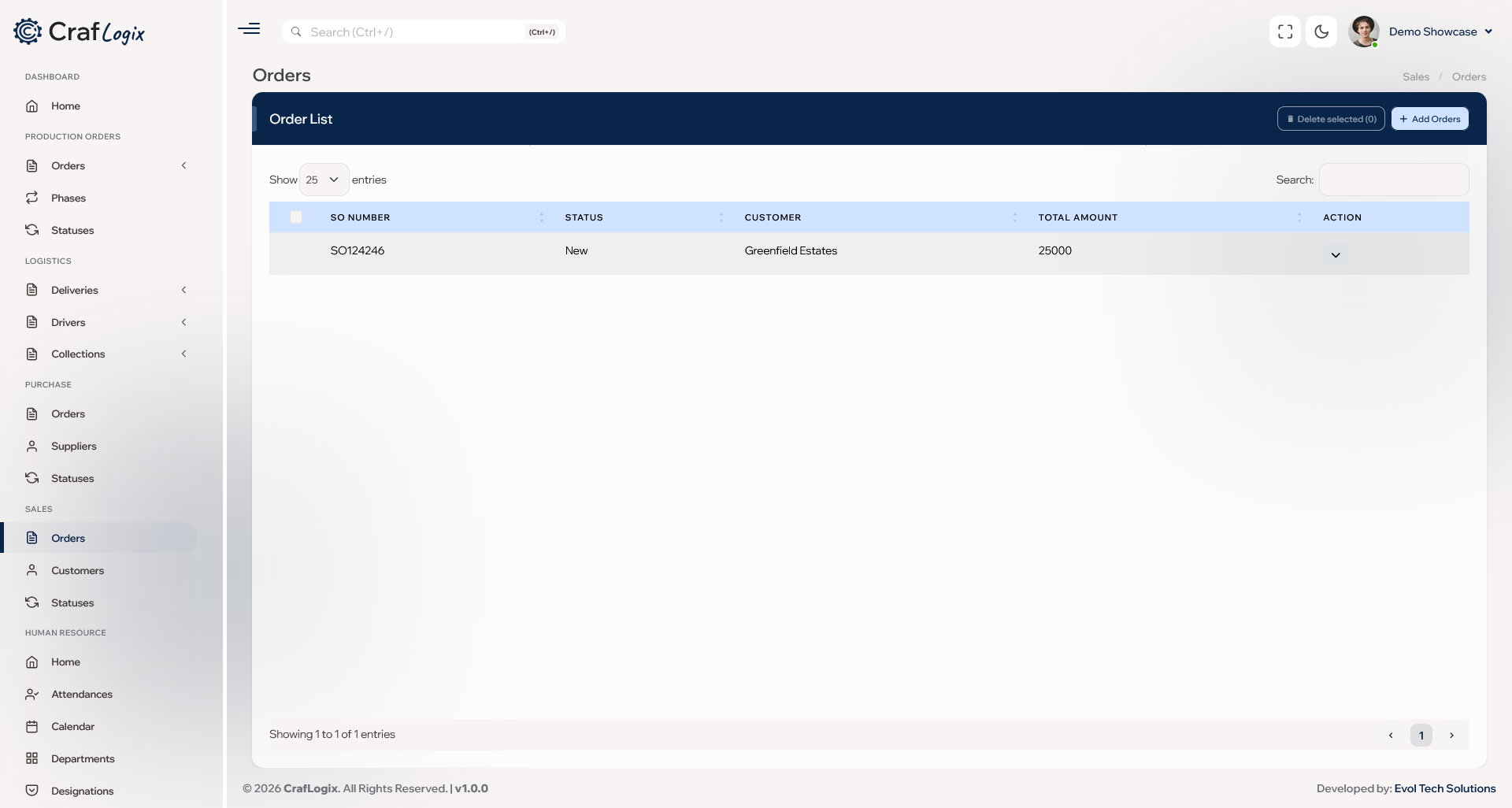
What you can do
- Keep customer records with company details, tax number, a main contact person and full address.
- Share one customer list with production, so there's one version of every customer.
- Create sales orders with as many lines as you need, with totals worked out from quantities and prices.
- Use your own order statuses, so every order follows your sales process.
- Edit orders as things change and add notes along the way.
- Turn a sales order into an invoice when you also use Finance.
Video walkthrough
Ask about Sales
Tell us how you take orders and we'll show you how Sales fits.