Everything you need, included with every business
Whichever solutions you choose, you get a private workspace, a clear home screen and access for your whole team. And CrafLogix is tailored to fit how you work.
Your own private workspace
Your business gets its own private workspace. Your information stays private to your business and is only visible to your people.
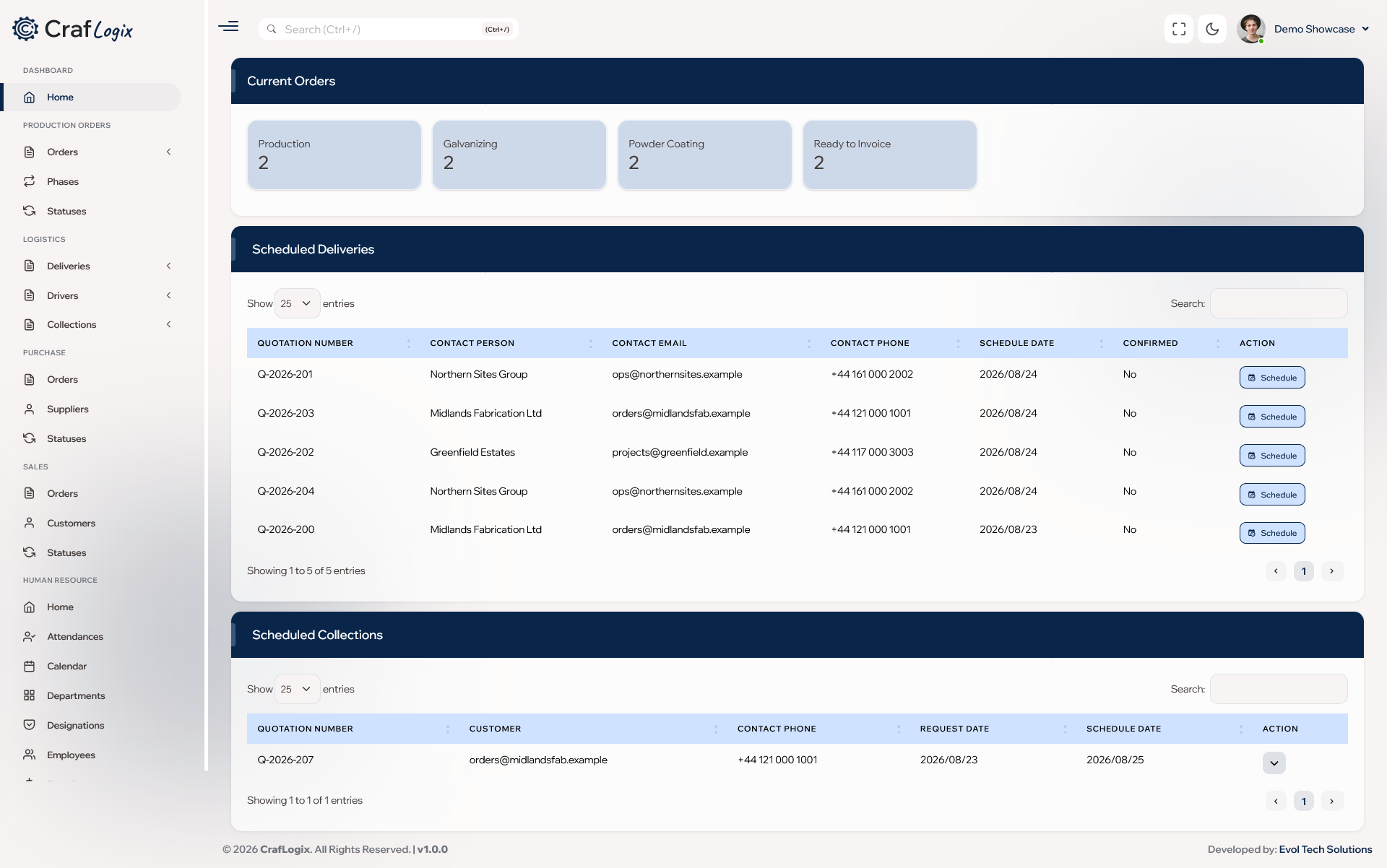
Your business at a glance
Your home screen shows how many jobs are at each stage, which jobs need attention, open outside finishing orders and your delivery and pickup summaries.
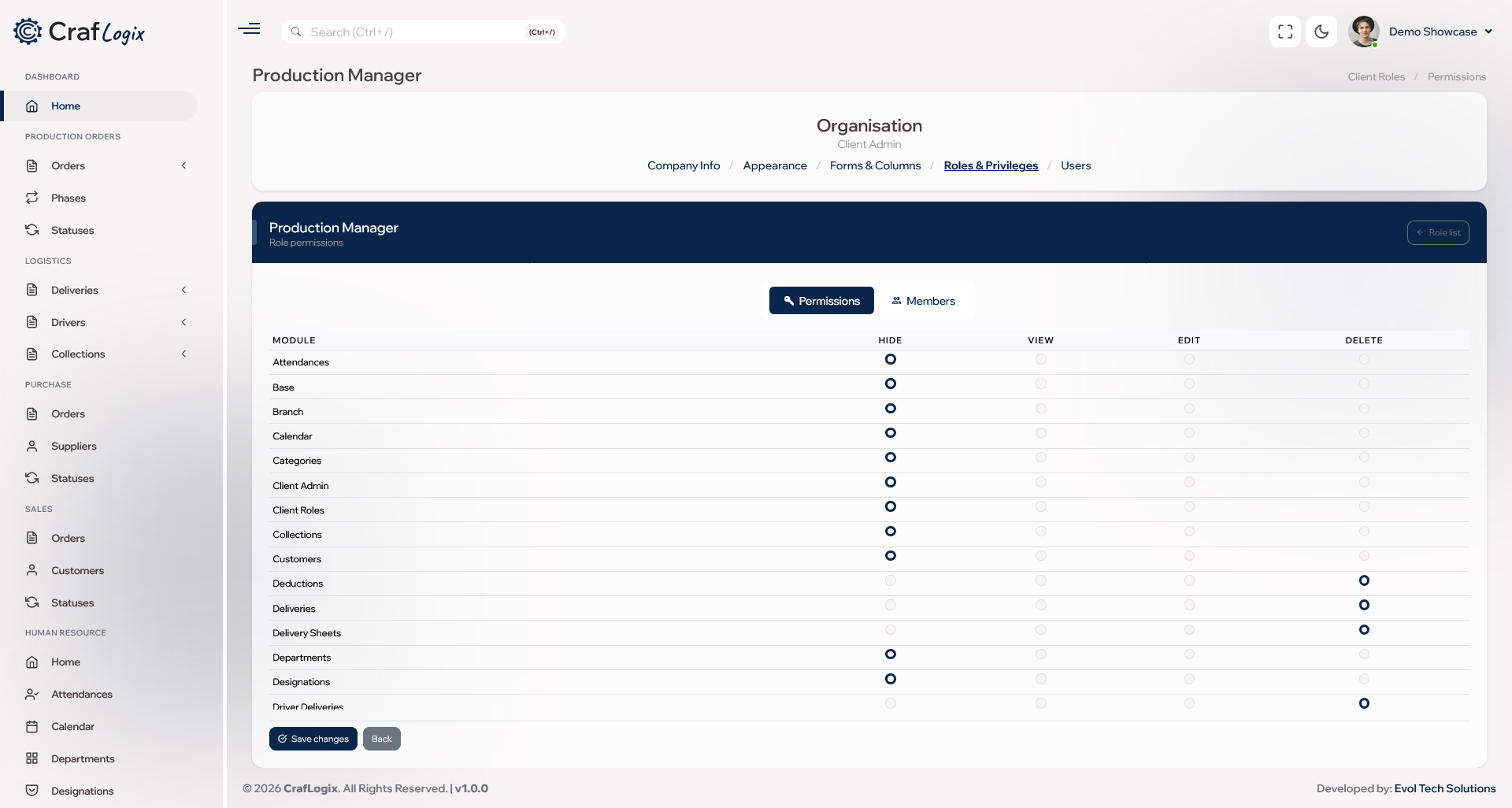
Your team, with the right access
Invite people by email and give each person access to the parts of the business they need.
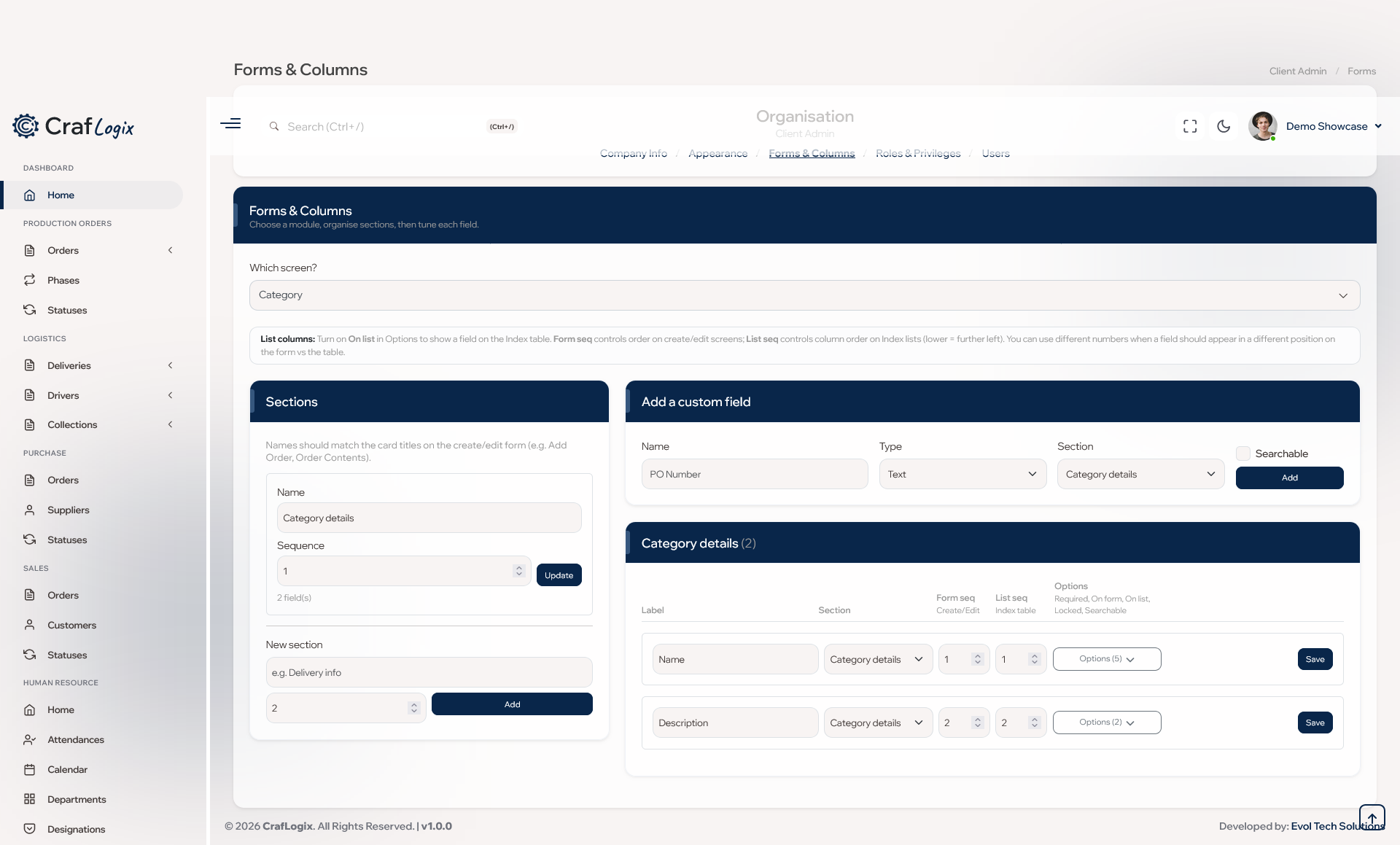
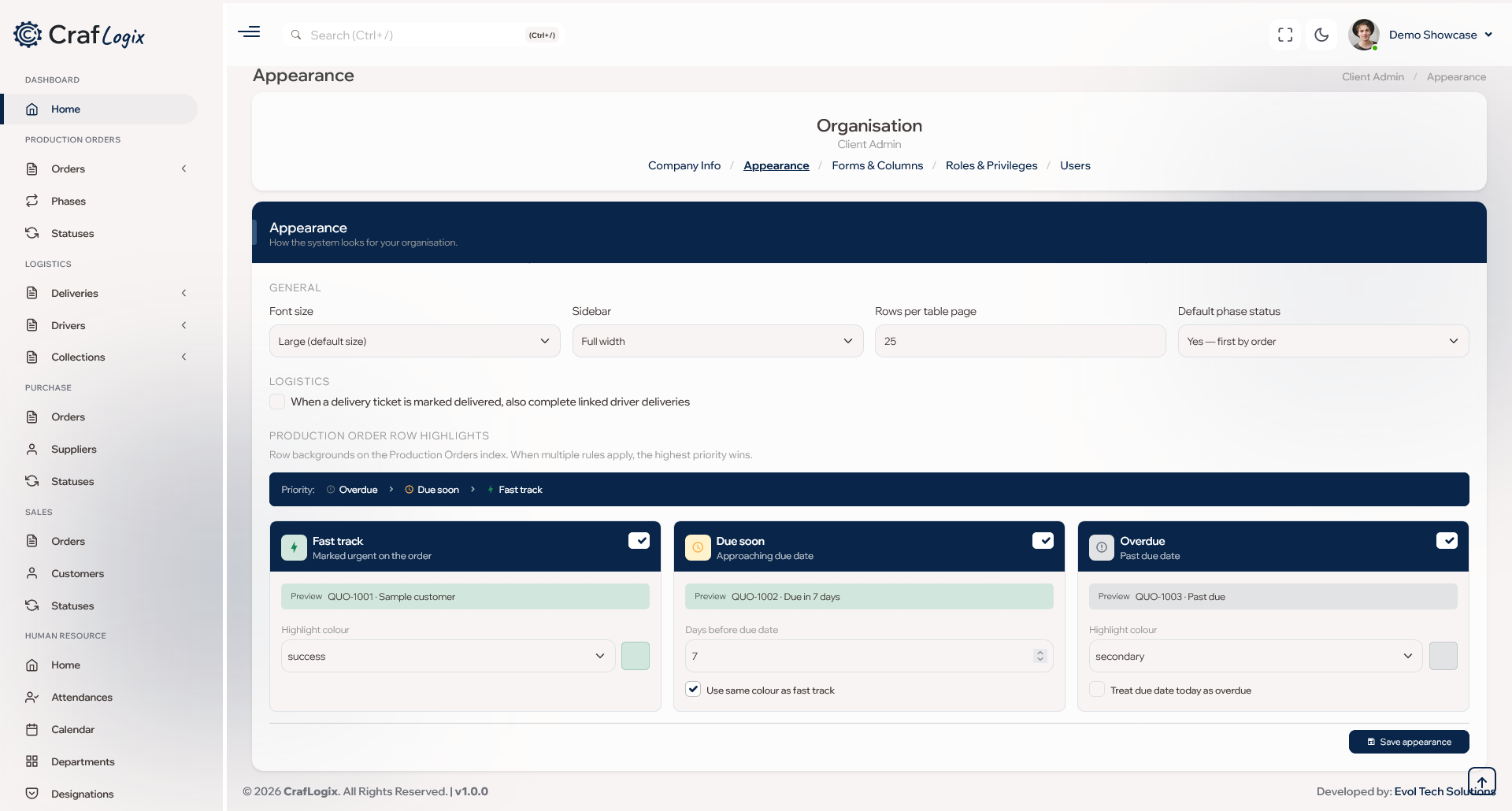
Tailored to your business
CrafLogix can be tailored to match how your business already works, including your own job stages, the information you record and how your screens look.
Ask AI
Ask a question in everyday words, such as "What deliveries are going out today?", and get a clear answer with links straight to the records. This optional assistant only reads what each person is allowed to see, and it never changes anything.
Guided tours
An optional help button walks people step by step through the page they're on. New staff can learn CrafLogix without formal training.
Getting started is simple
- Sign up online and your workspace is ready to go.
- Choose the solutions your business needs.
- Invite your team by email.
- CrafLogix is tailored to how you work.
- Add more solutions whenever you're ready.
- Pay monthly or yearly.
Everything you need to get going
Every business gets the everyday essentials included. Pick the solutions you need and get started today.